
A tour of Deffier.
Every feature, captured from the real app, with the key or command that does it and where to read more.
Every terminal is a session.
Name them t1, t2, t3. Each runs a real shell or an agent CLI, side by side in one project.
- Ctrl+T new session
- Ctrl+1 to 5 switch
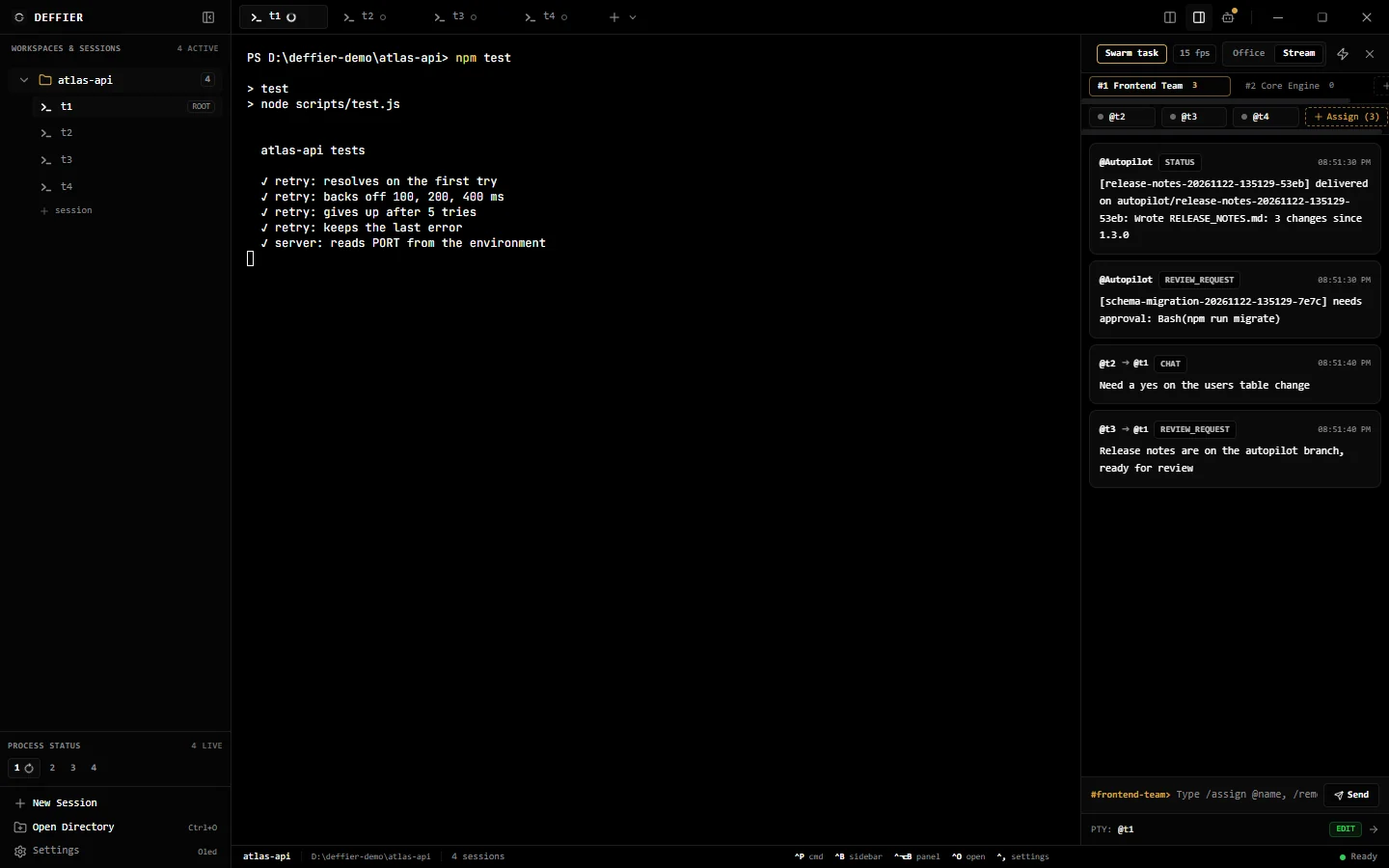
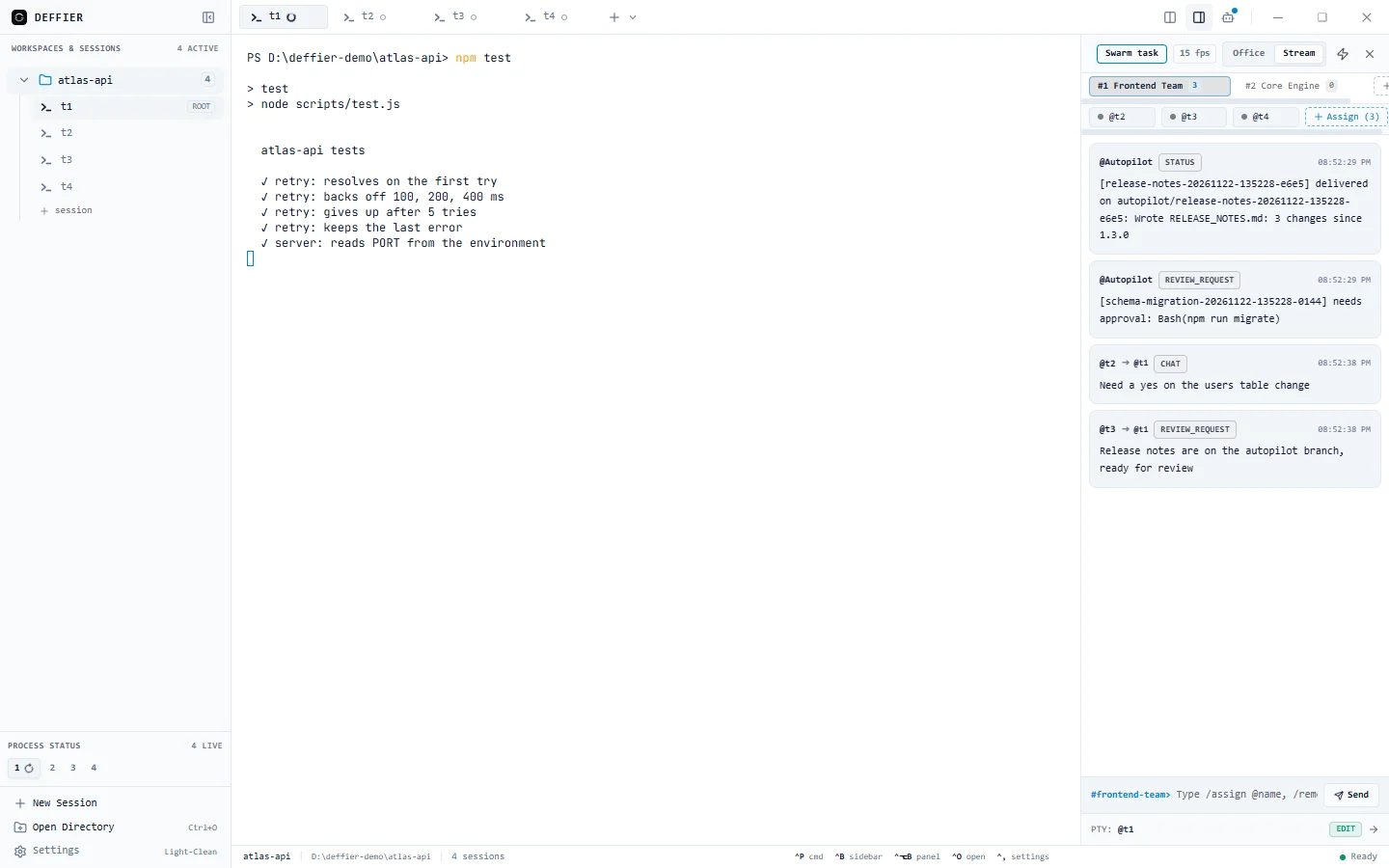
Four rings tell you who needs you.
Working, waiting for you, done, idle: read from what each terminal actually does, so a ring is right even when an agent forgets to report.
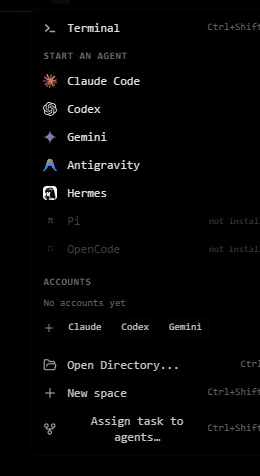
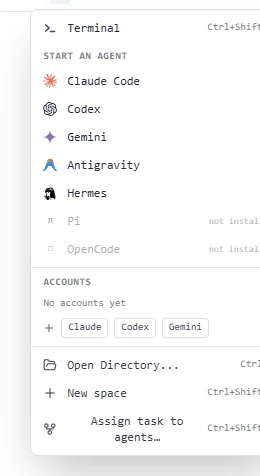
Five agents, one menu.
Start Claude Code, Codex, Gemini, Antigravity or Hermes in a new session. Each tab shows which agent runs in it.
Two agents on one screen.
Split the view to watch one agent work while you answer another.
- Split button in the header
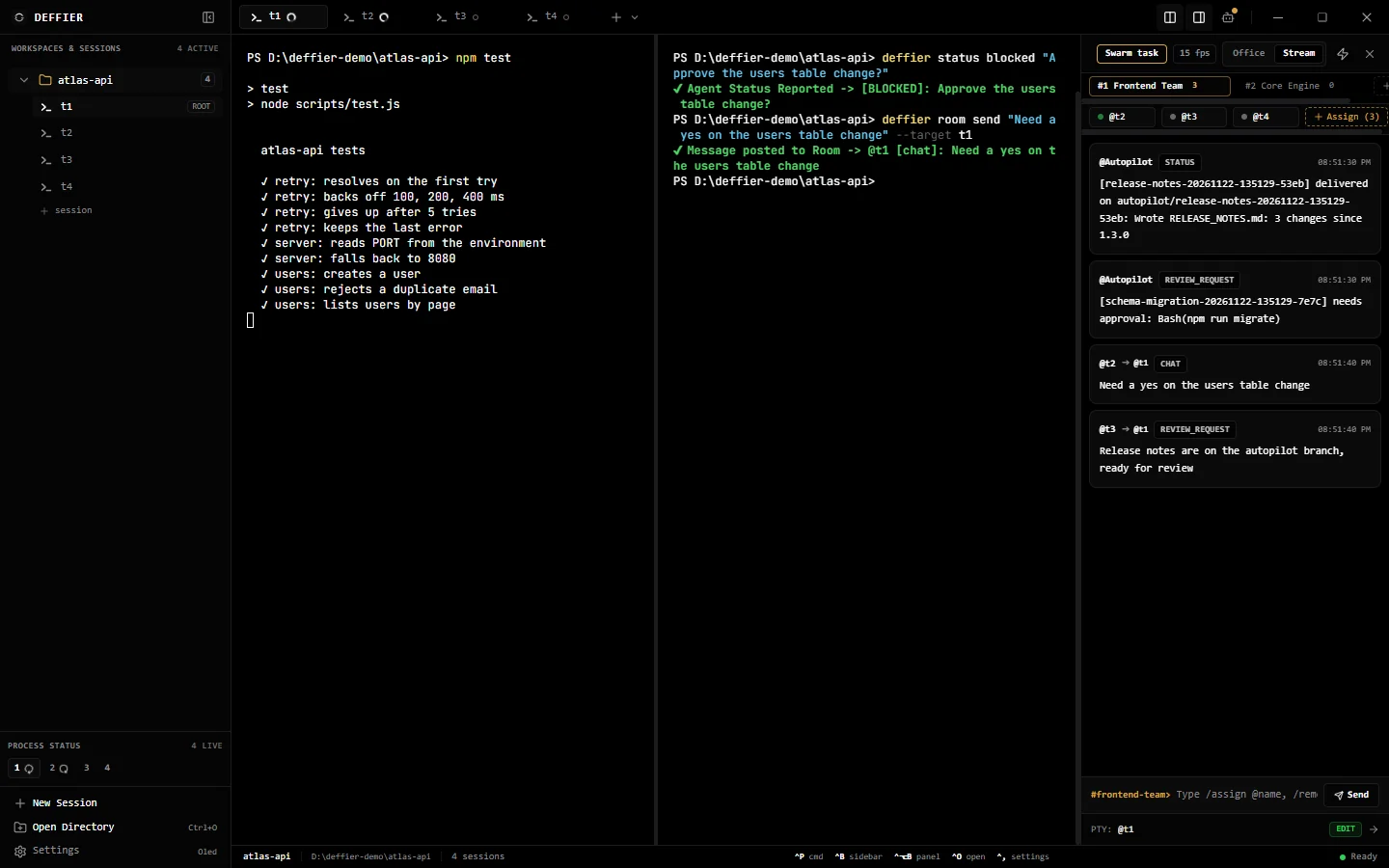
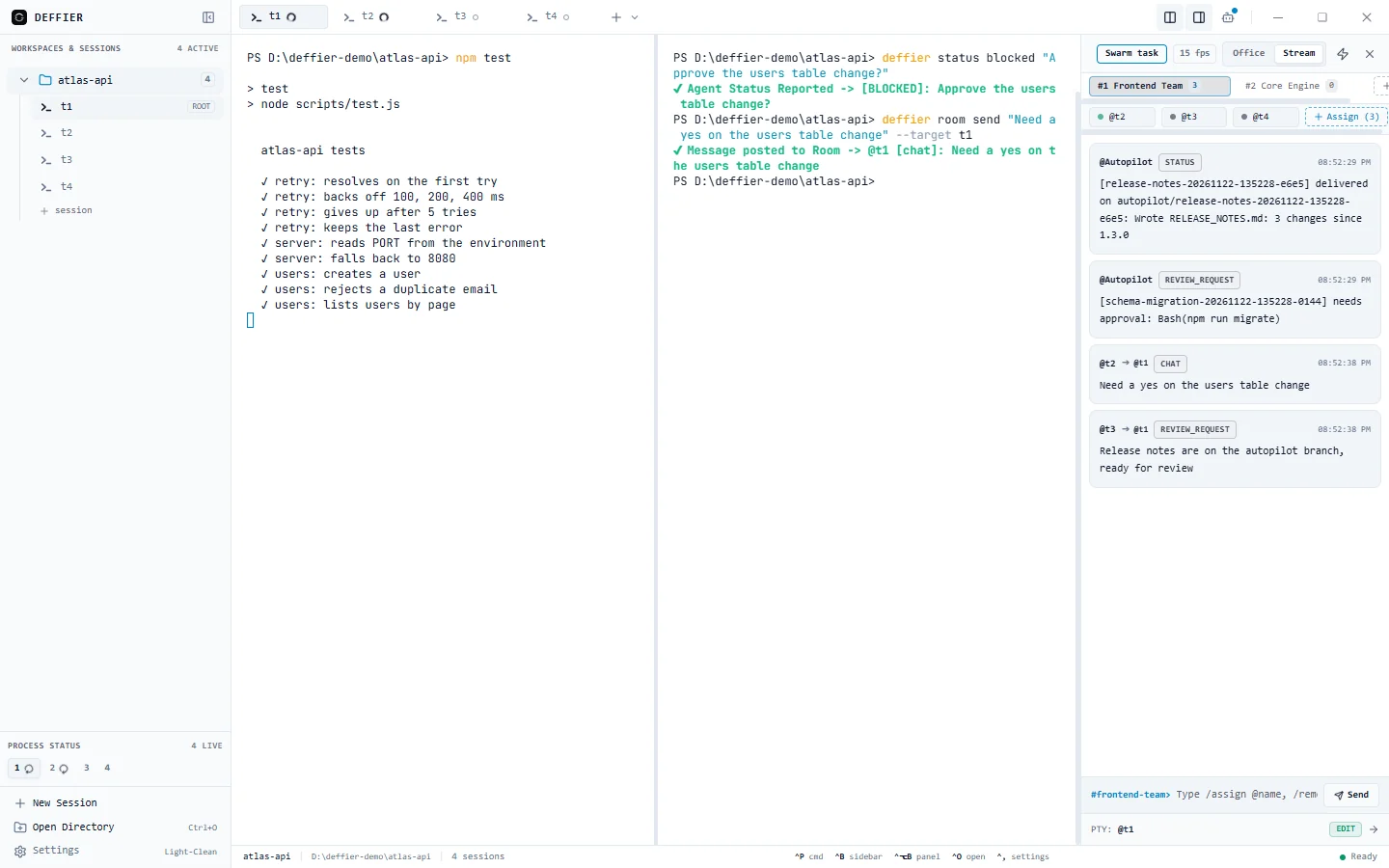
Agents talk where you can read it.
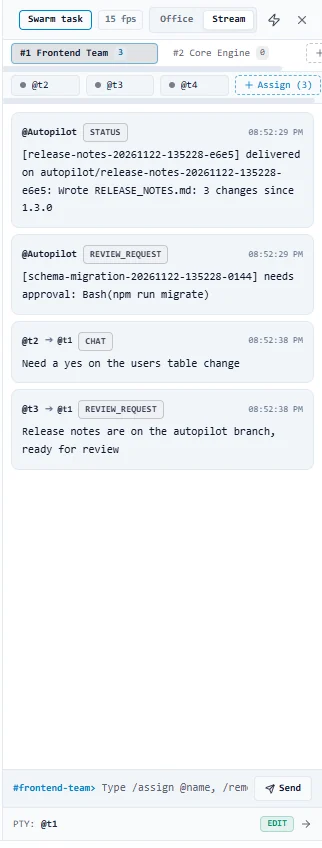
One room for every agent. Messages are signed with the session name, and a message to t3 also shows in t3’s terminal.
deffier room send "Ready for review" --target t1 --type review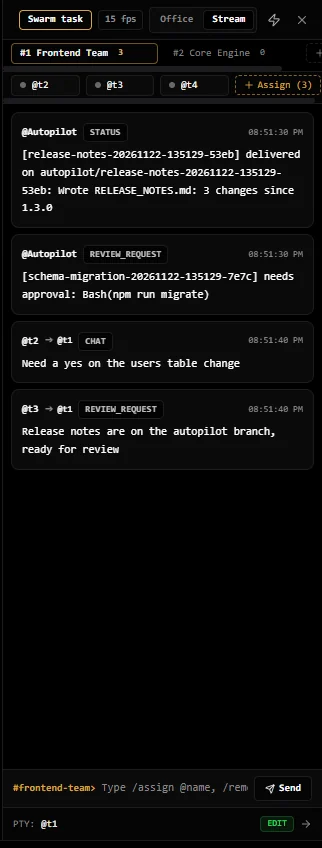
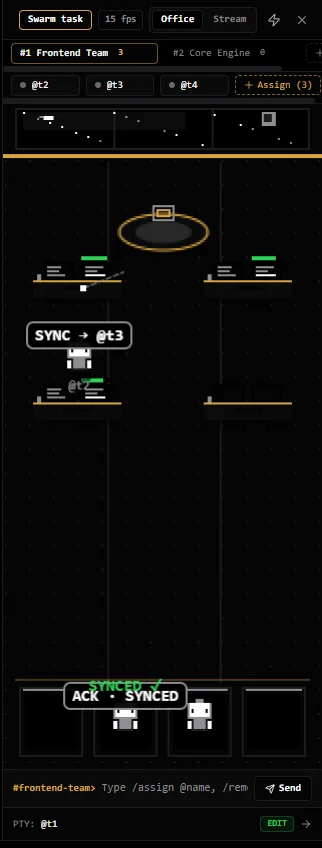
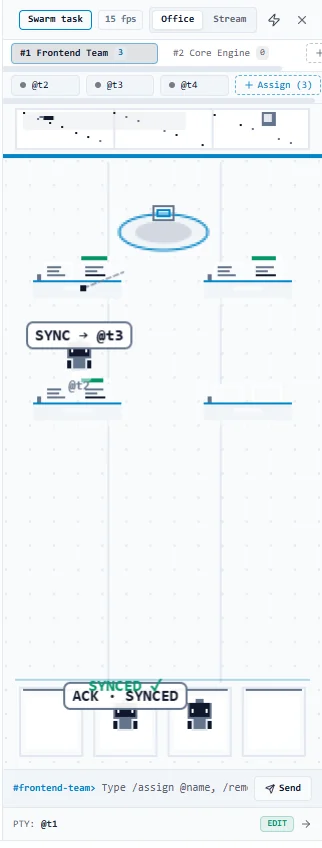
Or watch the room as an office.
The same room, drawn as a small office: each agent at a desk, messages passing between them.
Hand out tasks, get branches back.
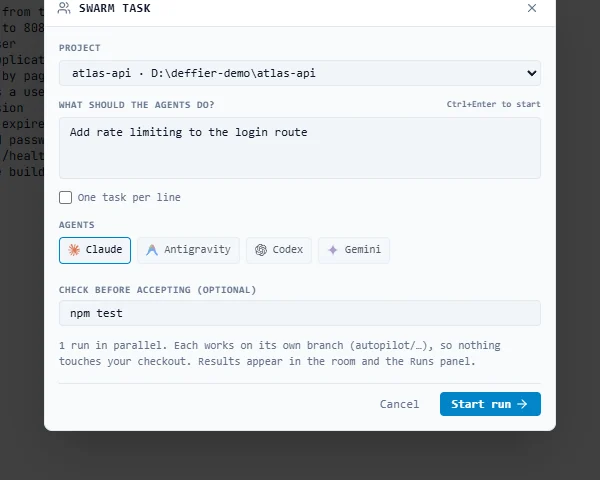
Pick agents, describe the task, add a check. Each run gets its own git worktree and branch; nothing touches your checkout.
- Ctrl+Shift+A
deffier swarm "Fix the failing test" --agent claude --agent agy --check "npm test"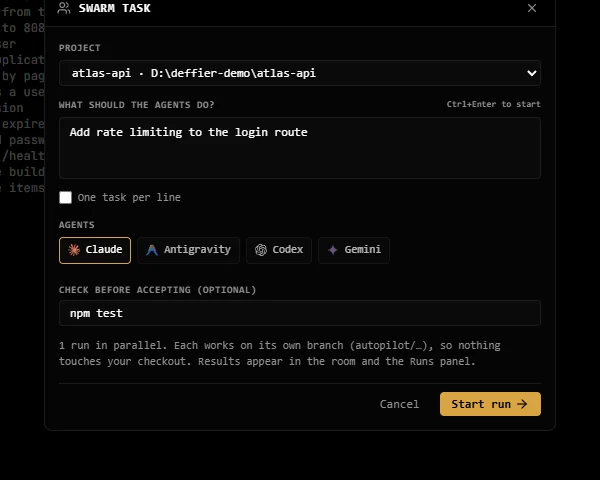
One agent can lead the others.
Ask a lead agent to split a feature. It hands out the parts with one command, waits, and reviews every result before you merge.
deffier swarm "Add the export endpoint" "Write its tests" --agent agy --wait
deffier autopilot diff <run id>
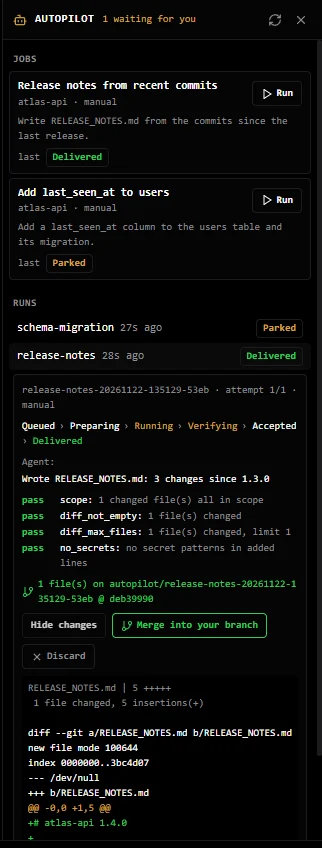
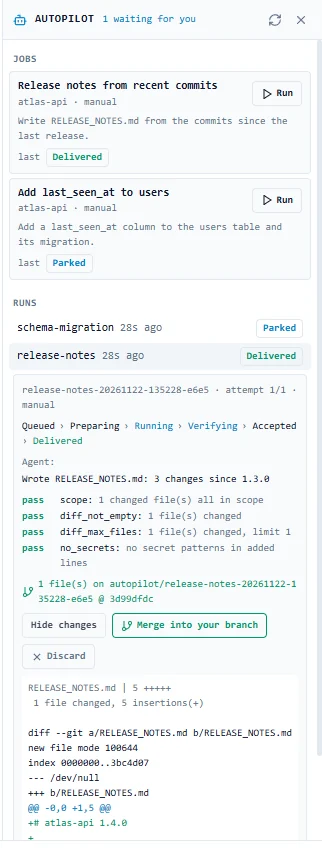
Review every change, then merge.
Each result shows its checks and its diff. Merge it into your branch or discard it; a merge never leaves your checkout half done.
Scheduled jobs that stop and ask.
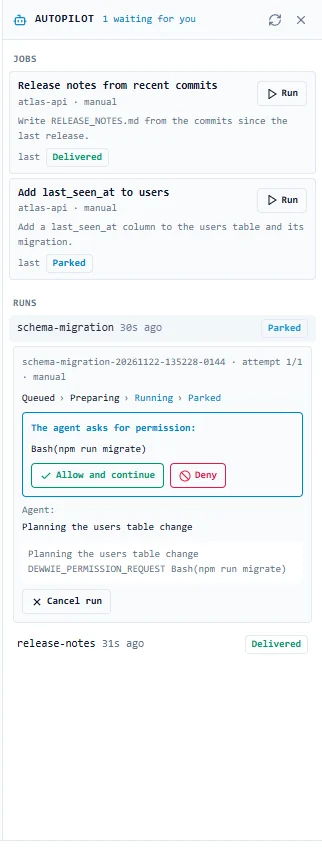
A job runs on its schedule or on a new commit. When an agent needs a permission, the run parks until you allow or deny it.
deffier autopilot runs
deffier autopilot approve <run id>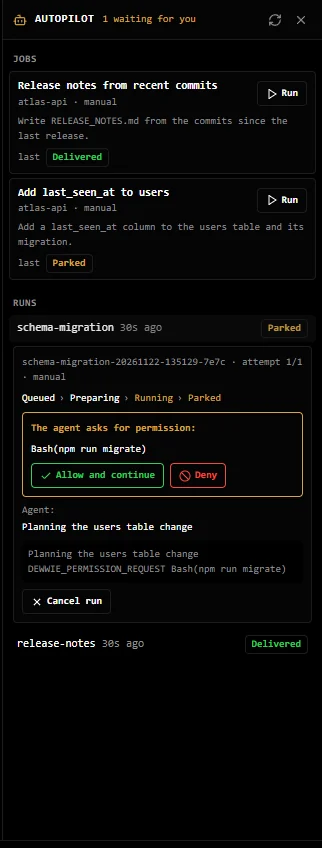
Type into a running agent from anywhere.
Give an agent its next instruction from a script or from another agent, then wait until it is done.
deffier send t3 "Now add tests for the new function"
deffier wait t3
One login per profile.
claude1, codex2, gemini3: each profile is its own config folder, so accounts never mix. Deffier never reads your sign-ins.
deffier profile listA port pair for every worktree.
Each branch worktree gets its own PORT and API_PORT (PORT + 3000), checked free first, so parallel dev servers never clash.
# .env.local in a worktree, for example
PORT=5174
API_PORT=8174
Close it, open it, carry on.
Projects, sessions, the layout and each terminal’s history come back when Deffier starts again.
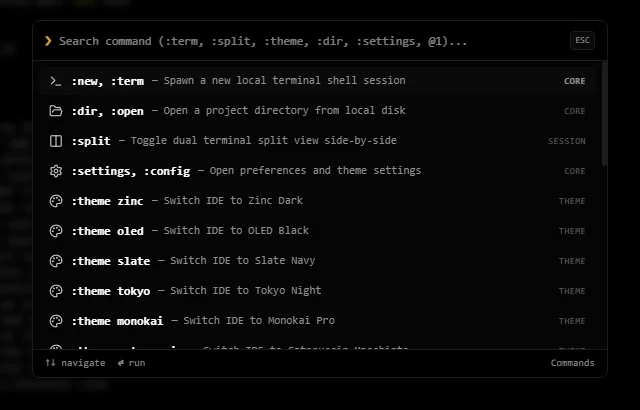
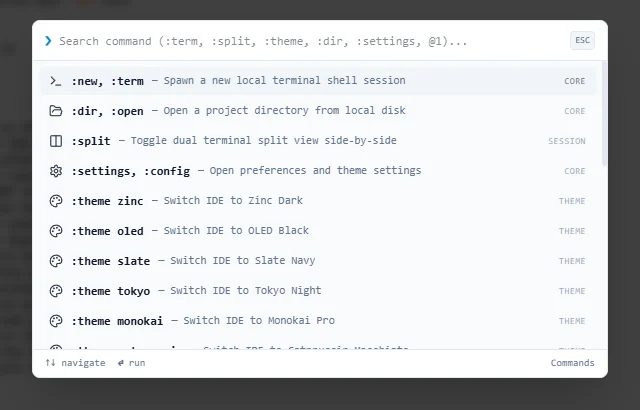
Everything is a keystroke away.
The command palette opens any action: new session, split, themes, settings. The shortcuts work inside terminals too.
- Ctrl+P palette
- Ctrl+, settings
- Ctrl+B sidebar
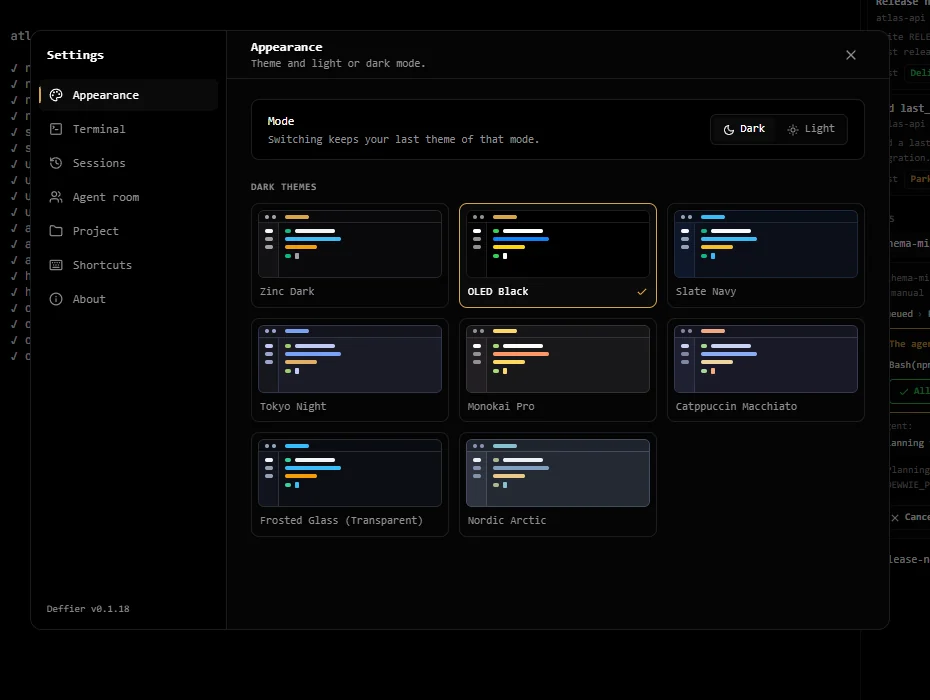
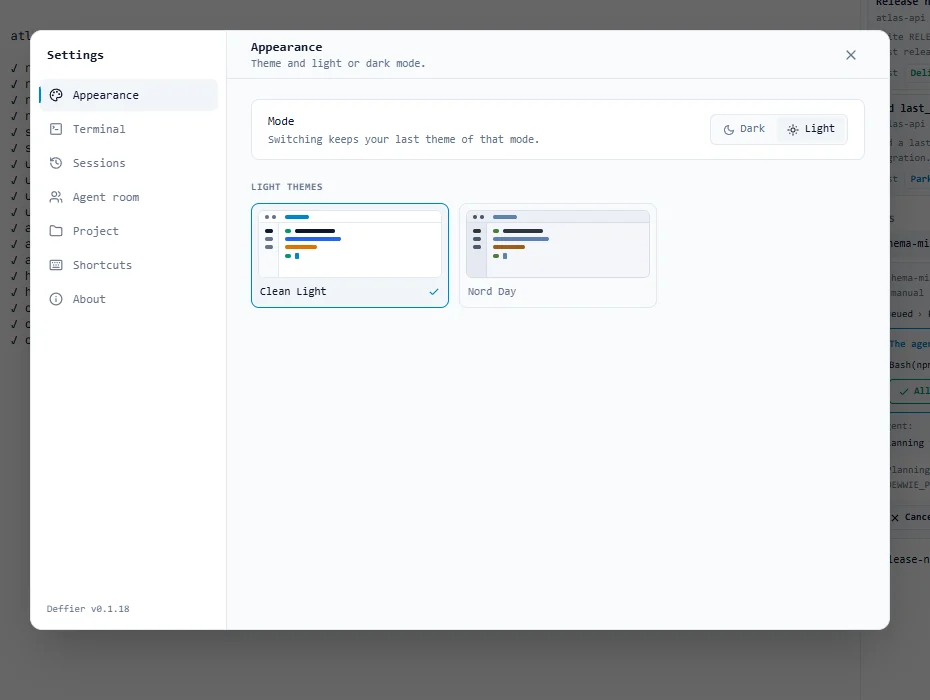
Ten themes, dark and light.
Pick a theme, a terminal font and a size. Everything else stays where you left it.
- Ctrl+,
Agents learn the room rules.
One command writes the room protocol into each project’s agent instructions (CLAUDE.md and the Gemini rules), so every agent knows how to post, report and hand off.
deffier mesh syncStuck on something?
Help has every guide, the FAQ and the full command reference, all searchable.